 RSS Feed
Filming Begins: The Story Unfolds (and how I organize my media)
 0
0
I learned that Spikeball is just the brand name that we give to the sport. It's actually called roundnet. I also learned how big the group is that I'm working with. Idaho Roundnet is a statewide organization that gets together to practice, play and participate in tournaments.
I've had a lot of interest from local players, as well as players in other parts of Idaho, and even a team in Montana who would like to be a part of the project. It seems a lot of people are excited about what is going on, and I'm starting to see an interesting story I can cover surrounding the tournaments and how many of these teams formed pretty much out of nowhere. I just hope I can tie it all together now!
Here's a quick reel of some clips I've gathered so far, with a bit of slow motion:
How I Organize My Media:
I create a folder for each individual video project. Inside that folder I have 3 subfolders: Pre-Production, Media Files, and Exports.

Pre-Production houses scripts, shot lists, notes about the production, etc. Basically anything needed to prepare for production. It's also a good spot go hold legal forms such as talent and location releases.
Media Files is even more self explanatory: all media that will be used in the production or post production is housed here. I use subfolders for Audio, Graphics, Project Files (so Adobe Premiere can leave all cache/auto-save files in one place, out of the way), and Video Clips. These are each easily imported as bins in Premiere, where I use the same structure while I edit.

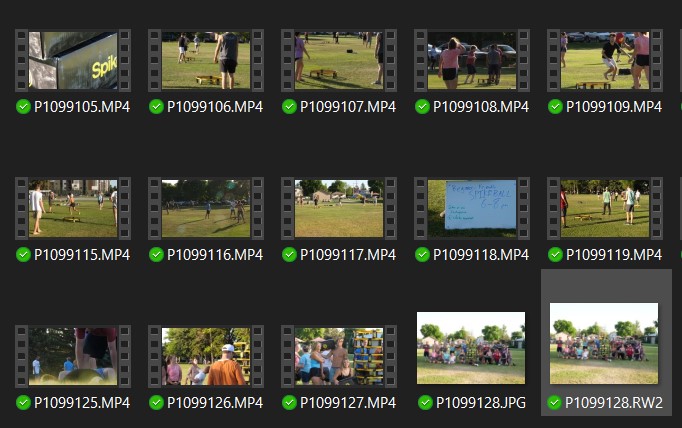
In each of these folders, I usually keep the file names how they came from the camera so I can keep them in the order I shot them, but for projects where I need specific shots in no particular order, I might change the file name to a brief description of what is going on in that shot (and I can still leave the original number on there if needed).
Exports is where, well, everything I export goes. In general, I like to date my files, so if things got mixed up, I can always sort things by date.
I use this format: year.month.day_ProjectTitle_VersionNumber, or see the example in the photo:

The nice thing about computers is that all of this is very flexible. Additional folders and subfolders can be added for larger projects or where otherwise needed. Subfolders can be taken out and become their own folders. This has worked for me for several projects. The most important thing is to stay organized and be able to quickly find any media you need. When it comes down to it, do what works best for you and your project.